AI Academy Bronze
Forex courses from your first lesson to a certificate anyone can verify.
Included in the Bronze Access Pass
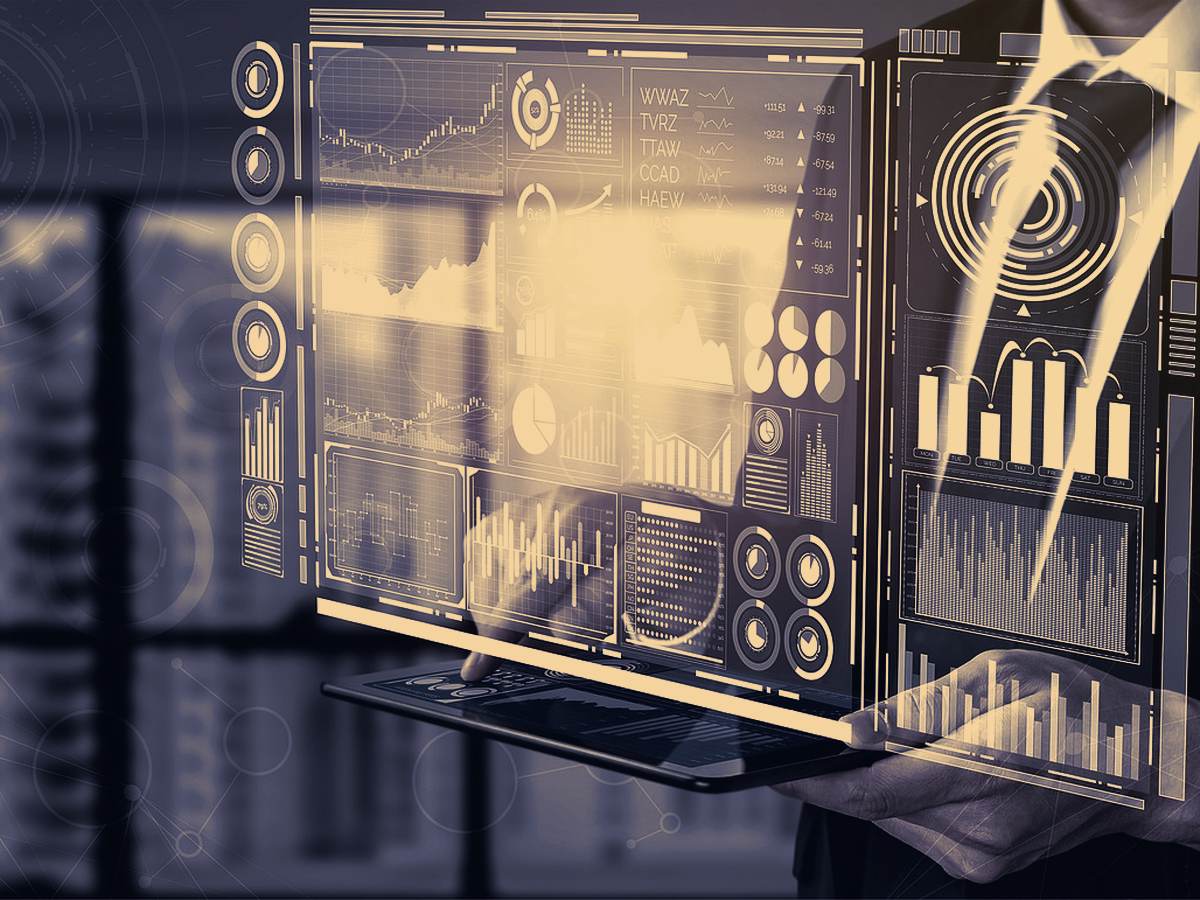
Connect your MT5 account and let the ECHO AI system trade it.
ECHO AI Trading is part of the Silver Access Pass - and of every pass above it. One subscription opens every product the pass includes.
Trading carries risk and past performance does not predict future results. Our signals and courses are information, not personal advice.
ECHO AI Trading connects to your own MetaTrader 5 account and trades it for you. The account stays in your name, at your broker, and the system trades at the risk level you authorise.
Your MT5 details are encrypted when stored and are never shown again.
People who want the system to trade for them without watching charts, and who understand that automated trading is high risk: it trades real money at the risk level you choose, and losses are possible.
Forex courses from your first lesson to a certificate anyone can verify.
Included in the Bronze Access Pass
Daily forex signals and live charts: the level, the direction and the price that proves the idea wrong.
Included in the Bronze Access Pass
See which of the major currencies are strong and which are weak, at a glance.
Included in the Bronze Access Pass
Position size, pip value, margin, risk to reward and more, worked out in your account currency.
Included in the Bronze Access Pass
See which pairs move together and which move against each other.
Included in the Bronze Access Pass
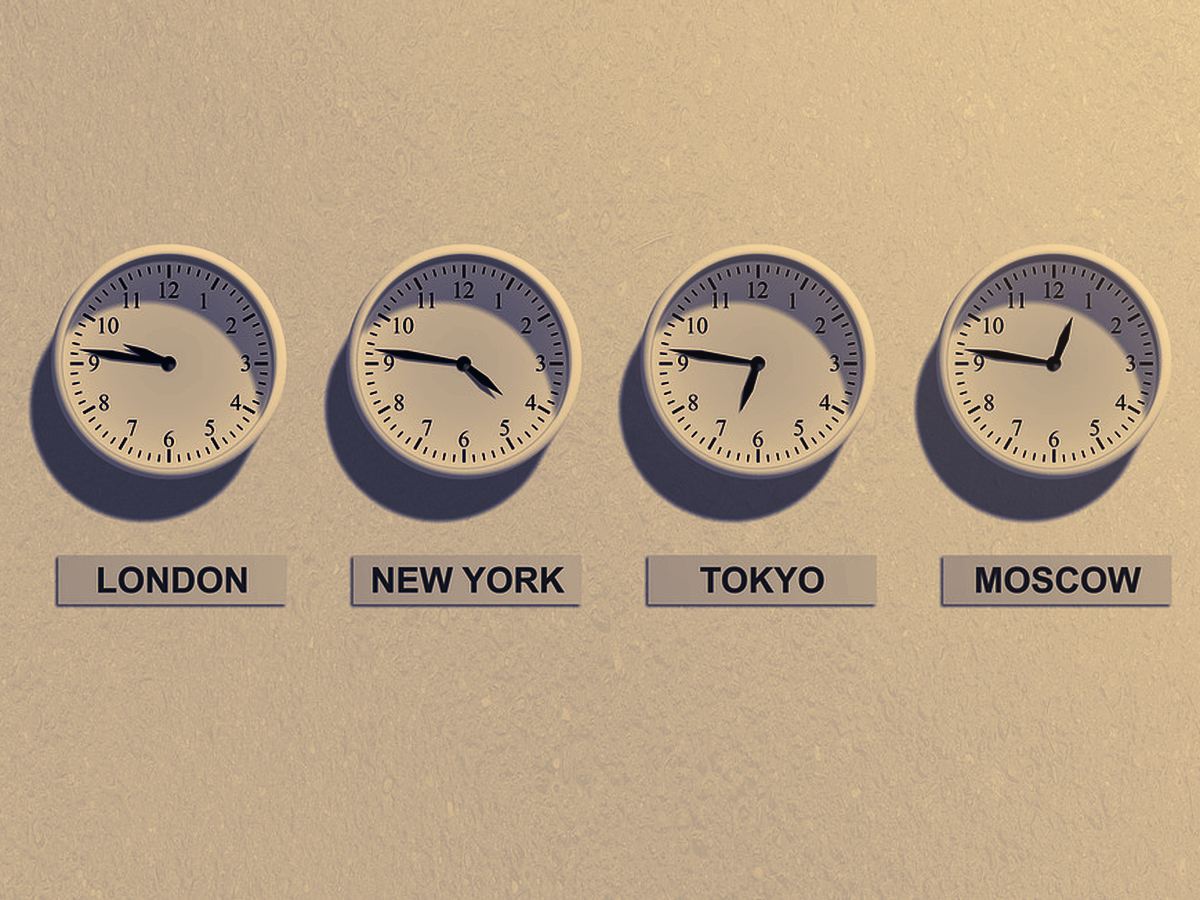
The Sydney, Tokyo, London and New York sessions, in your own time zone.
Included in the Bronze Access Pass
Record every trade and learn what works for you.
Included in the Bronze Access Pass
This week's market-moving releases, with impact, forecast and previous figures.
Included in the Bronze Access Pass
See how the big speculators are positioned in the currency and gold futures.
Included in the Bronze Access Pass
The major central banks' interest rates and their next meetings.
Included in the Bronze Access Pass
Get a notification when a pair reaches your price.
Included in the Bronze Access Pass
Practise on past price action, candle by candle, with no real money.
Included in the Bronze Access Pass
How far each pair usually moves, and how busy today is.
Included in the Bronze Access Pass
See how a balance grows when gains are reinvested and you keep adding to it.
Included in the Bronze Access Pass
Your own MT5 account copies the master account's trades automatically, in real time, in the mode you choose. It takes one of your pass's trading account places: one with Silver, two with Gold.
Included in the Silver Access Pass
Allocate funds to a professional manager. Profit and loss are shared by stake.
Included in the Silver Access Pass
Daily signals, AI Academy and every trading tool, in one subscription.
Quarterly saves 5%, yearly saves 10%. Cancel at renewal any time.
Install AI Trading
Quick access from your home screen, works offline
Tap Share, then “Add to Home Screen”